Example Page
Write content in Markdown. Add annotated images using the “annotated-image.html” include!
Annotated Example
Clicking on an annotation has three options:
- “modal” - a dialog window appears over the page with the associated annotation information. This is the most flexible option and allows you to present the most information. The modal will contain the title, description, and optionally a link to “Learn More”.
- “popover” - a small popup appears next to the annotation. The popup will contain the title and description only.
- “link” - clicking the annotation opens the link to a different page.
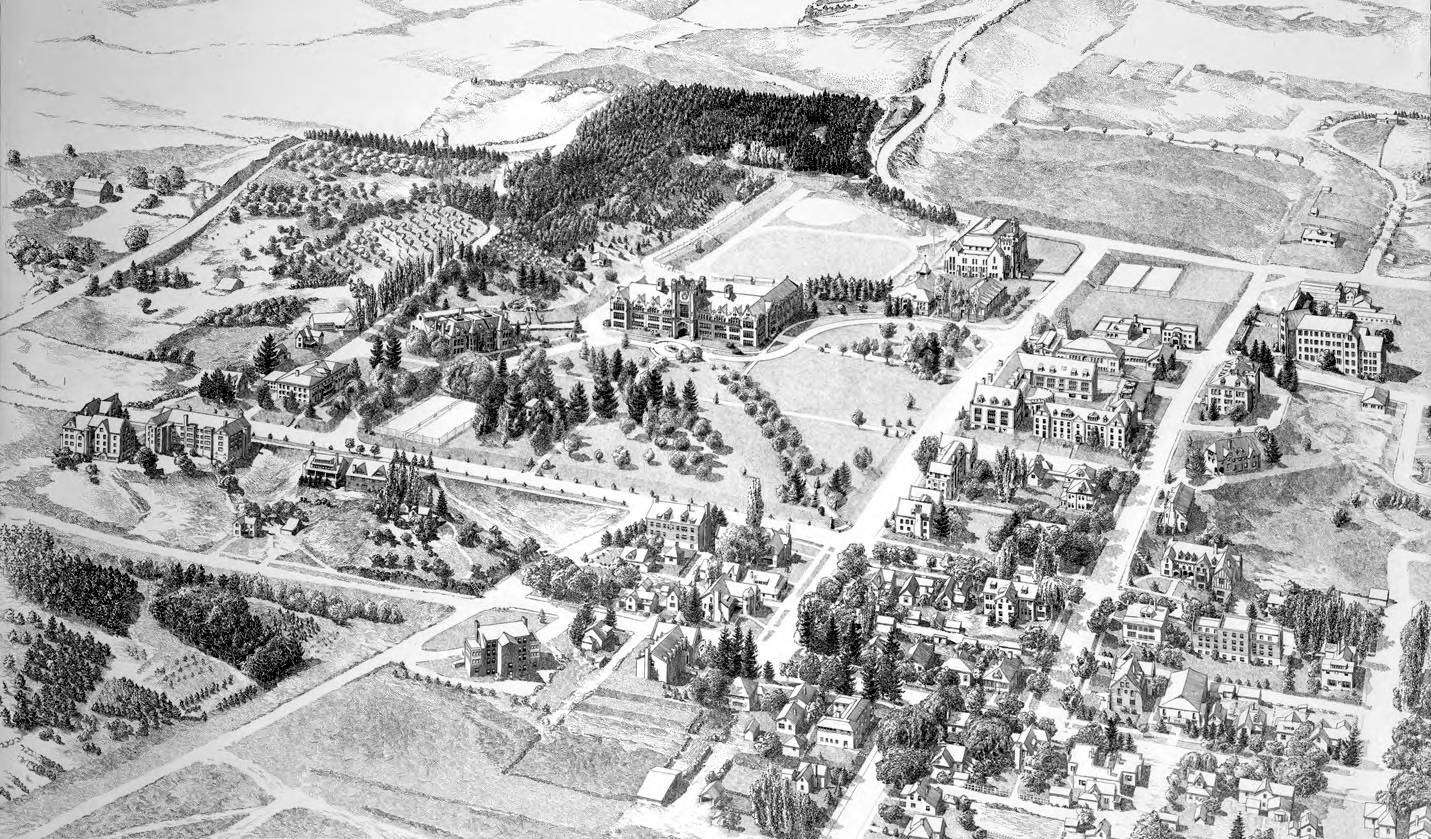
This example uses the “modal” popup option (see the home page for “popover” option).
{% include annotated-image.html image="campus02023.jpg" annotation="campus02023-annotations.json" popup="modal" %}